

Keymapp
ZSA Keymapp is the fastest, most intuitive way to master your new ZSA keyboard.

The ultimate learning aid
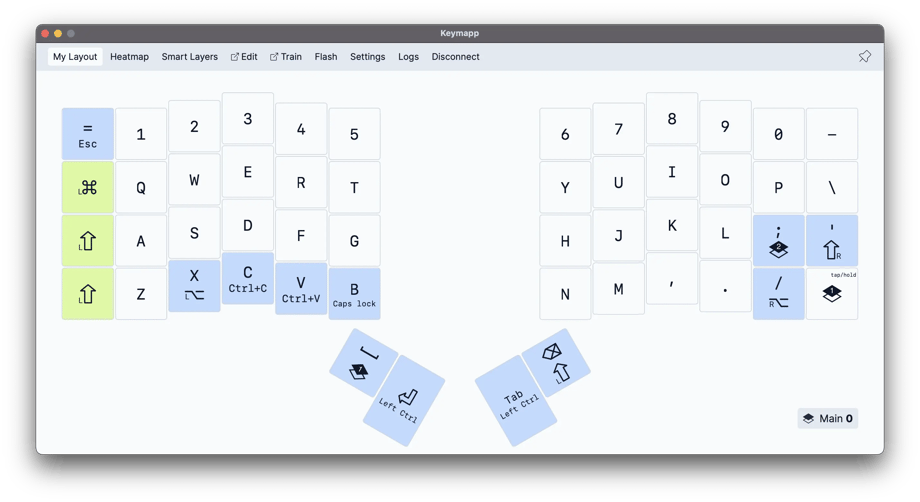
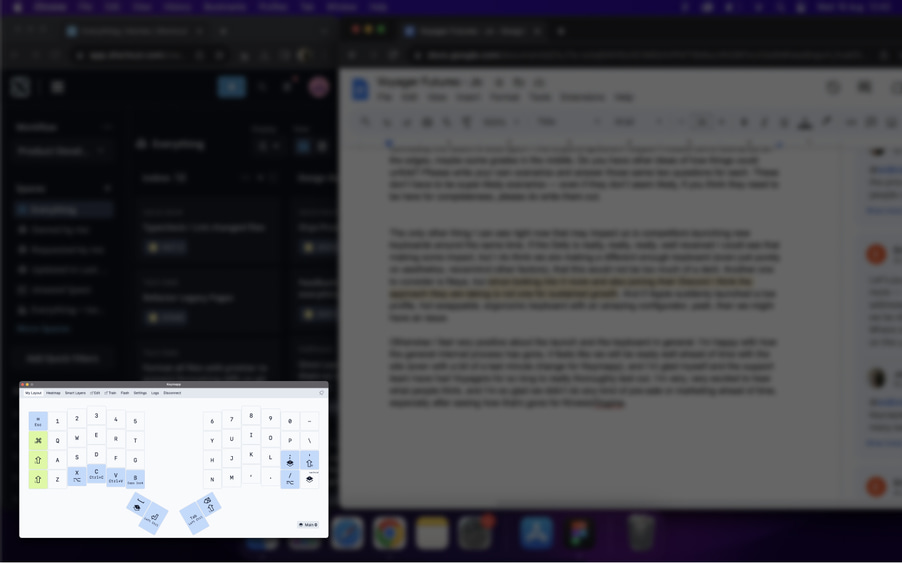
Easy and simple to refer to your layout at any time, without having to print anything or have a website open.

Everything in one place
Keymapp also has handy shortcuts for configuring your keyboard, flashing a new layout, and accessing our rich suite of training modes online.
Display your layout
as you work
Right layer, right time
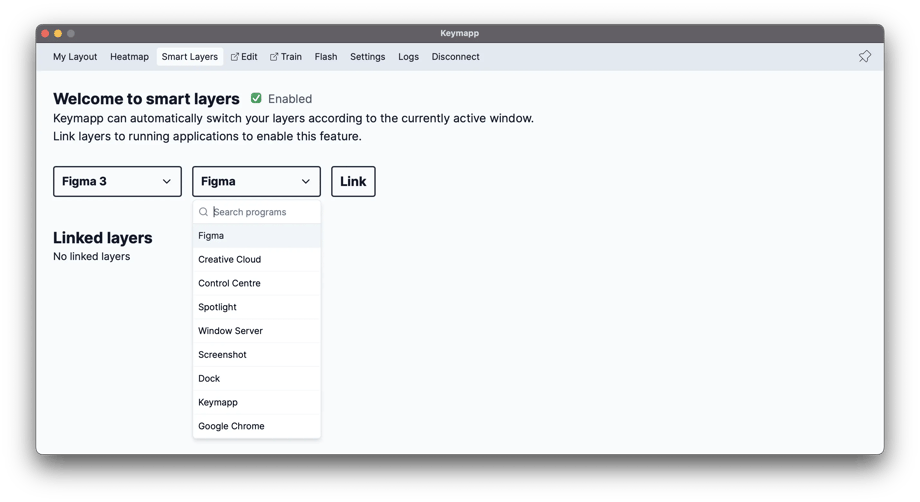
Got a dedicated “Photoshop” layer? Maybe a “Gaming” layer? With Smart Layers, you can have these special layers turn on automatically as soon as you switch to the app or game they’re meant for. Effortless!
Learn more about Smart LayersOptimize your layout
We all use different apps and different layers in different ways. We have different hand sizes, and different typing habits.
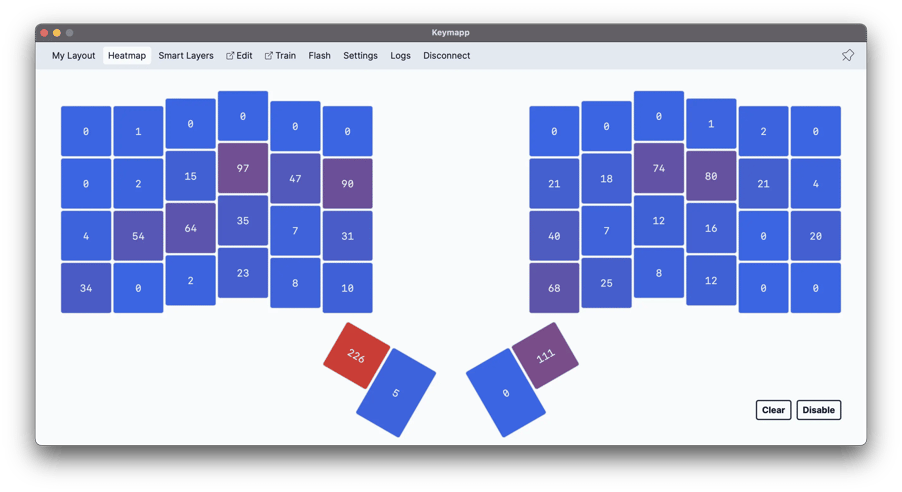
The Heatmap view shows you the most-used keys in each of your layers, as you work. This helps you develop awareness, avoid straining weaker fingers, and fine-tune your layout over time so that it uses your strongest fingers for maximum comfort.
Save a new layout
on your keyboard
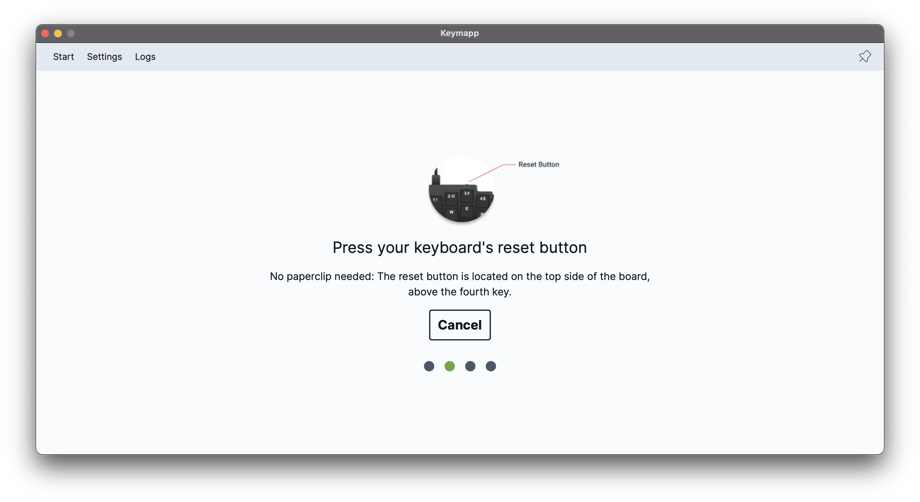
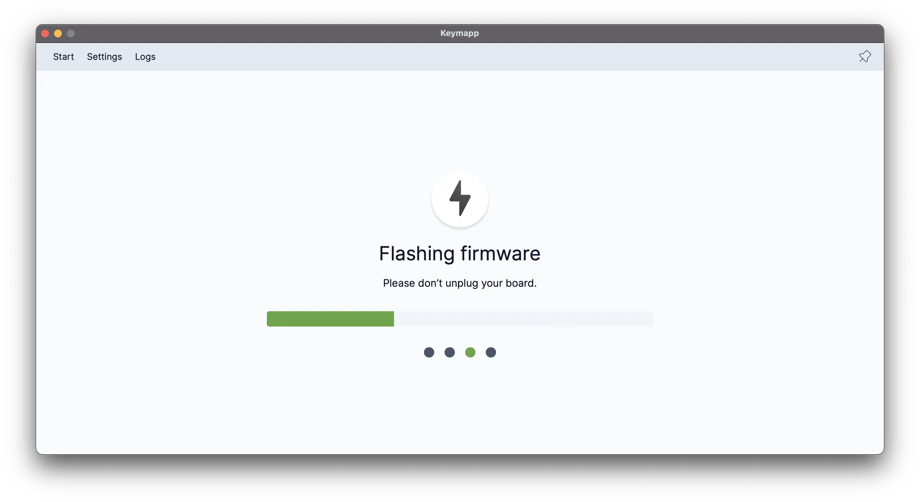
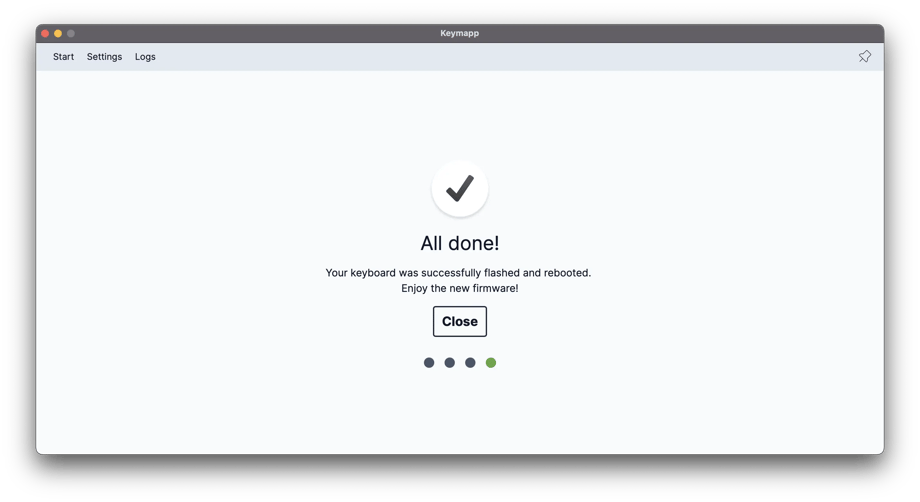
You can also use Keymapp to flash firmware onto your keyboard.
It's as simple as 1-2-3-4:
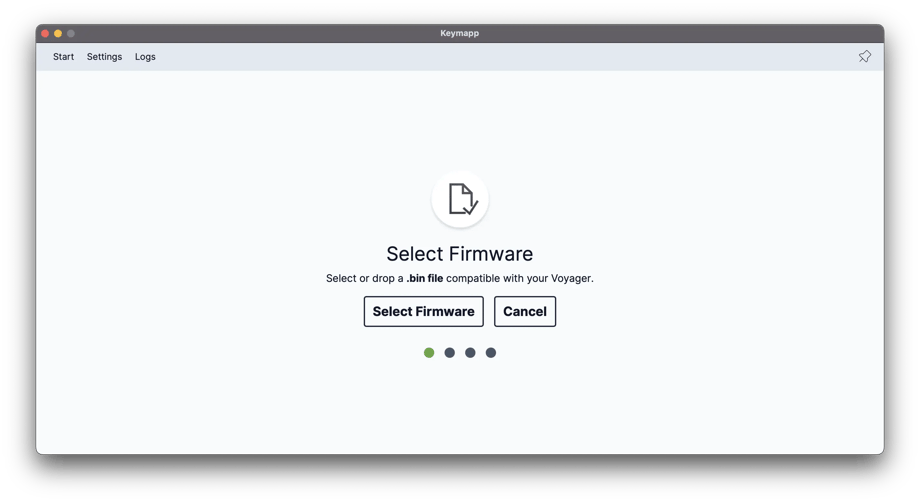
Select: Browse for your firmware file.