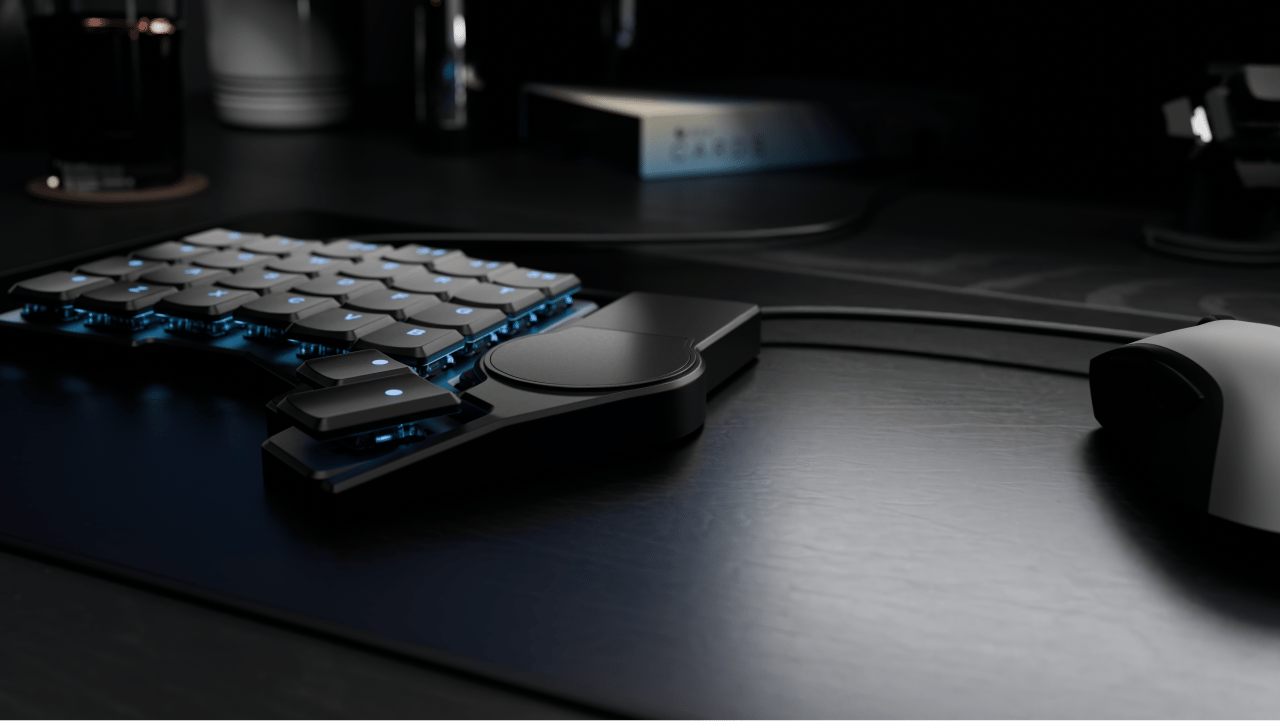
A tiny Trackpad that’s right where it should be
The Navigator Trackpad is a fully-featured trackpad that’s small enough to stay attached to your Voyager all the time.
If you’re focusing on text, code, or spreadsheets, the Trackpad is perfect for the little “mousing moments” that come up so you can keep your hands on the keyboard and your eyes on the screen. When you’re focusing on a game or design work, it doesn’t get in the way of your mouse. Plus, it’s just fun to use.
Portable
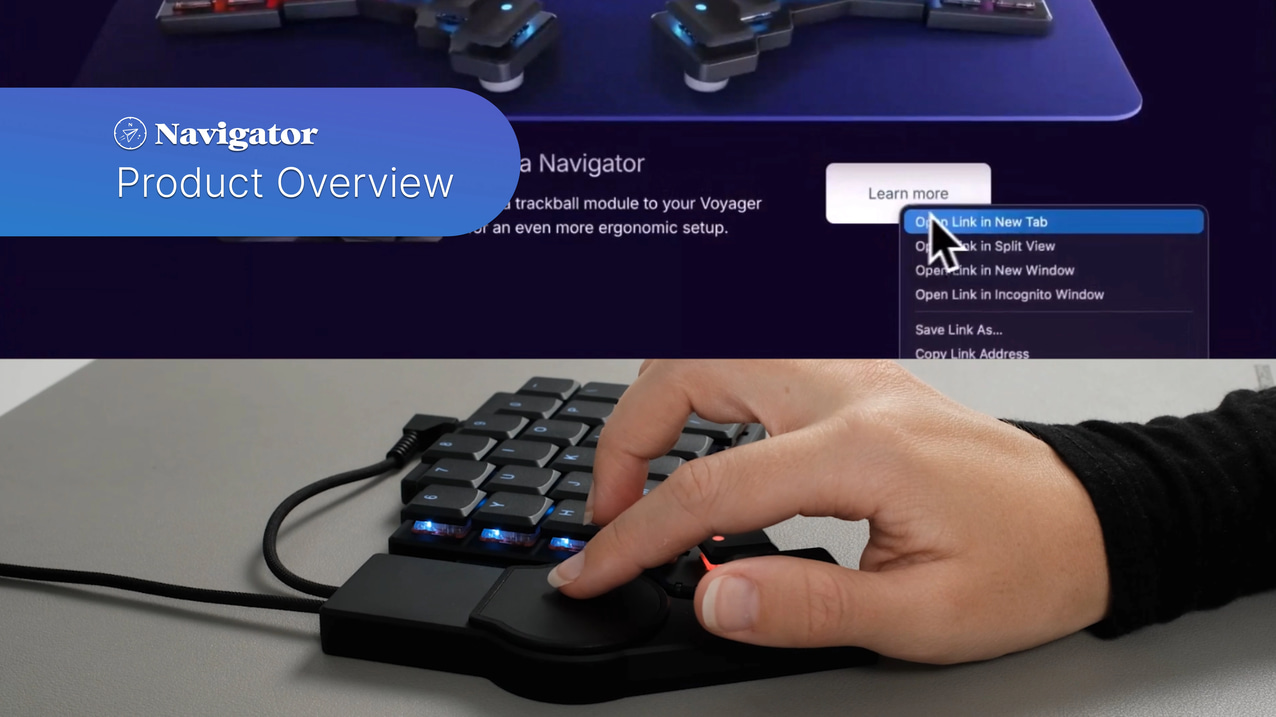
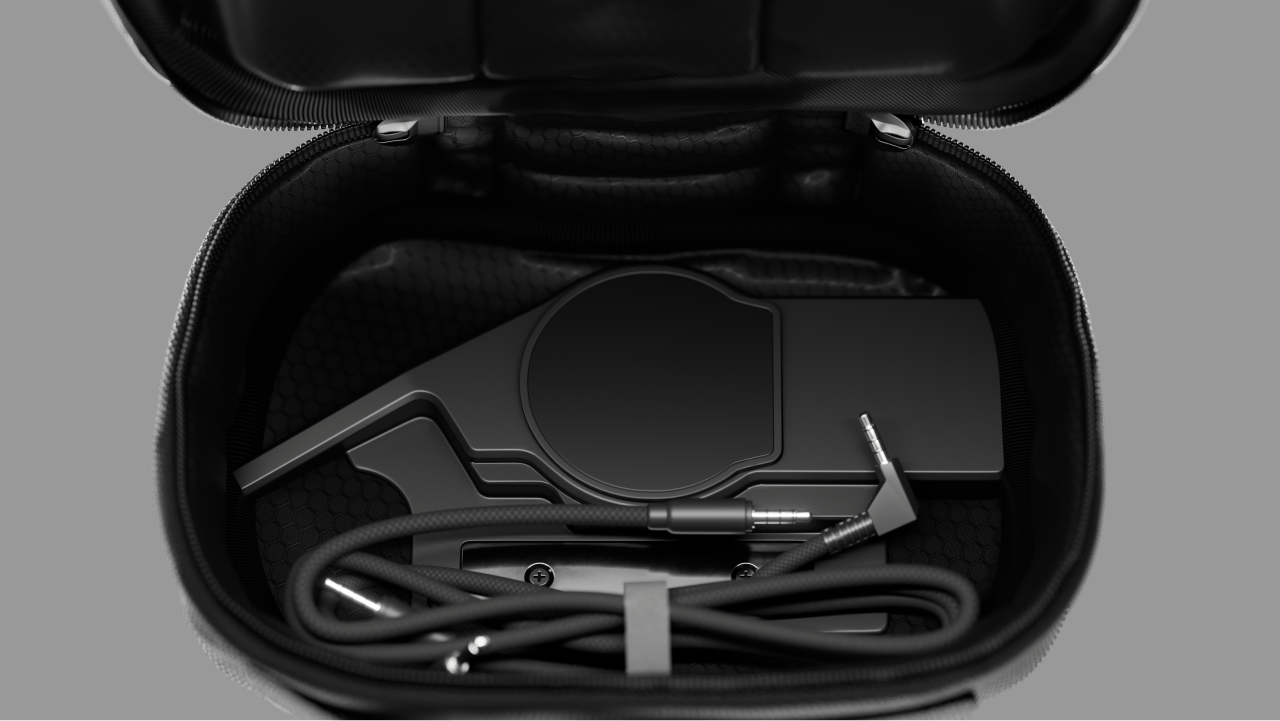
With a bit of maneuvering, the Voyager still fits in its original carrying case even with the Trackpad Navigator module connected. Just move the magnetic bar for the legs into its pocket rather than hanging it in the middle.
Thoughtful cables
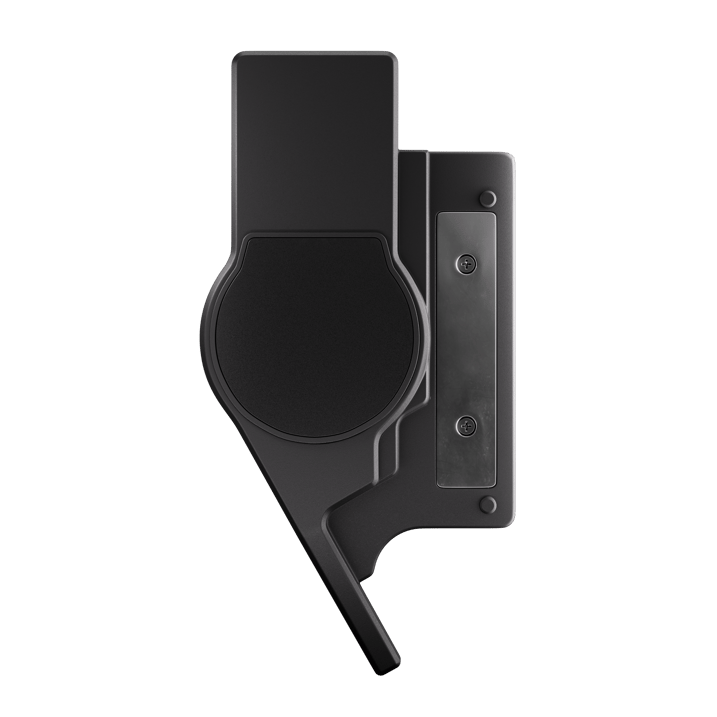
Nice braided TRRS cables. One cable goes from the Navigator itself to the nearer half of the board (so it’s short), and the other goes to the Voyager’s other half (so it’s long). These have angled connectors for the Voyager on one end, and straight connectors for the Navigator on the other end, to fit with the shape of each component.
Self-contained
Because the Navigator Trackpad supports a variety of two-finger gestures, you can add it to your Voyager without rearranging your layout or layers. Everything you need can be done with the Trackpad itself.
Swipe and tap
Swipe with two fingers to scroll vertically or horizontally. Tap to click. Tap with two fingers for right-click.
Just as you’d expect.
Drag and drop
The Navigator Trackpad may be small, but you can still use it to drag things big distances. Just quickly tap then hold, and you’ll start dragging or selecting whatever your cursor is hovering over. Quickly release then bring your finger back down to continue the drag.
Best-in-class performance
With two-finger gestures and buttery smooth scrolling (both vertical and horizontal), the tiny Navigator Trackpad works better than other circular Trackpads you may have seen.
This Precision mode works out of the box on Windows and Linux, and we’ve created a free Navigator companion app that enables it on macOS, too.
Adjust on the go
With Windows and Linux, all gestures and smooth scrolling work out of the box for the Navigator Trackpad. You can use the operating system settings to fine-tune the Navigator Trackpad’s behavior until it feels just right for you.
On macOS, we’ve created a custom utility that allows you full control over the Trackpad’s speed and behavior, to get it dialed in just the way you want it.
Download app ↓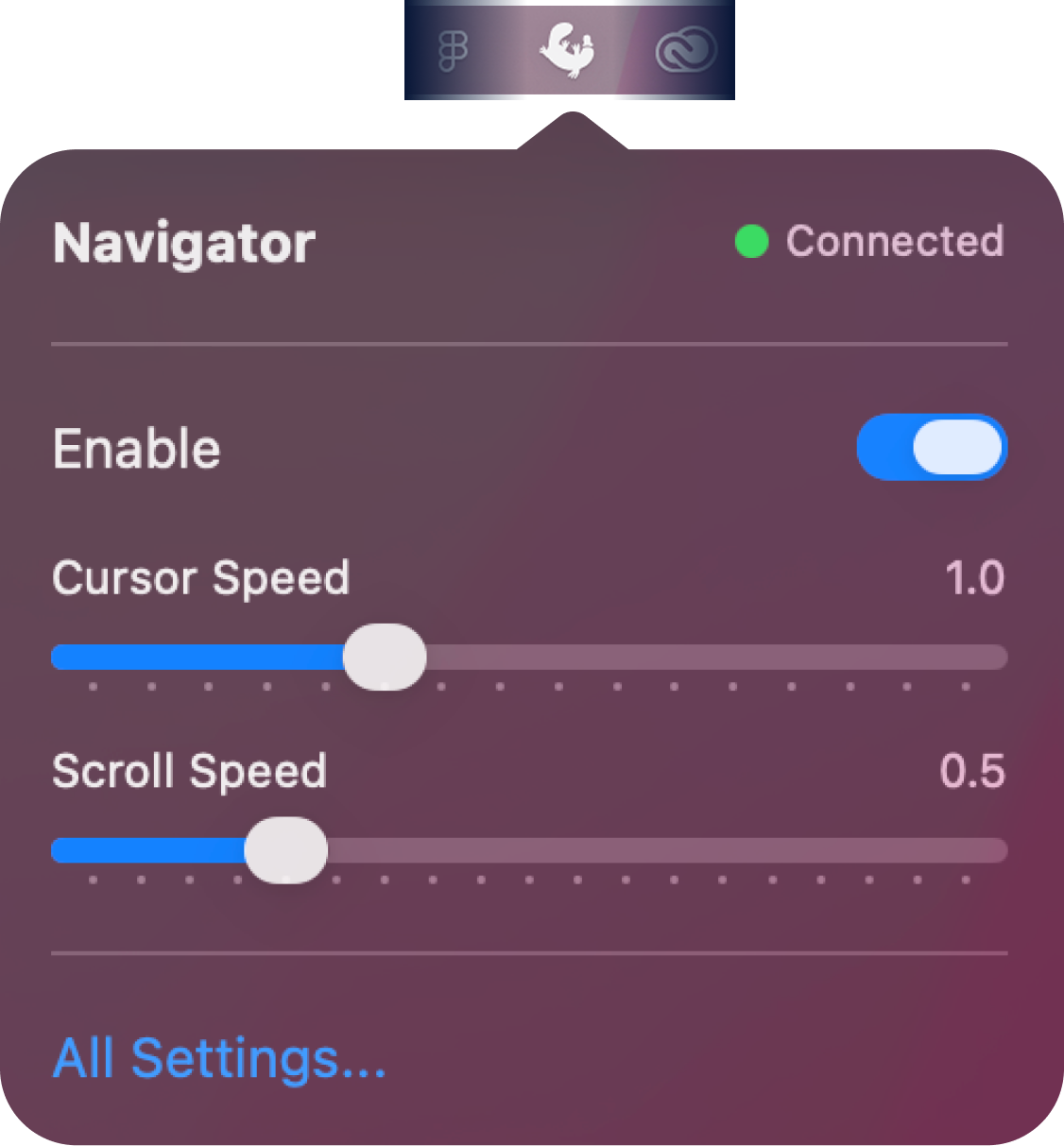
Smooth and flat
The surface of the Trackpad has a super-smooth finish so your fingers will have no trouble gliding around. It’s also flat, so it can either fit in the Voyager’s carrying case while attached, or you can use the included separate carrying case, designed specifically for the Navigator system.